
What’s new in Star · October 2026
The Halloween
Update
Explore what’s new in Star, with real samples you can play along the way.
Plus map editors inside your game, Star for coding agents and moreFeatured game · Built with Star
Hell County
Car combat with a cast of drivers, each with a ride and a voice of their own.
Hell County wouldn’t exist without Nova.
Play Hell CountyOur Nova multiplayer system
Star builds your game. And its server.
Star writes server code for your game: its own modes, combat and scoring, with shared state kept on the server. There’s nothing to host and no machines to manage.
- YouDescribe the game and how people play together.
- StarWrites the game and the server code behind it.
- Our Nova multiplayer systemRuns the server and scales it as players join.
What it gives your game
- One shared match
- Players in a match share server-managed game state.
- Combat and scoring on the server
- Build the rules for hits, wrecks and points into your game’s server.
- Mechanics of your own
- Define custom modes, rules and items in your own game logic.
- Data that sticks around
- Progress and world data can persist when your game is built to keep them.
Voices
Give every character a voice.
Describe who is talking and hear them taunt, pick a target and gloat. These are Hell County’s drivers. Press play on any line.
Voice and music generation use credits and require an eligible paid account.

The drivers · Lines from the game
Driver
Double Take
- Intro
Hello. Hello. Two of us... and only one of you.
- Pick
Look again.
- Kill
Guess you picked... the wrong one.
Driver
The King
- Intro
Ladies and gentlemen... and the DAMNED! Step right up... to your FUNERAL!
Driver
Jack
- Intro
Turn the crank, turn the crank... round and round and round and... POP!
Music
Give your game a soundtrack.
Describe the mood and get a full track for your game. A tense storm for a night flight. A bright arcade theme for a race. Two themes from games made on Star, start to finish.
Storm theme
Frog Jetpack Thunderstorm
The prompt
“tense stormy night flight, driving electronic chiptune with orchestral strings, rolling low synth bass, pulsing arpeggios, rain-like hi-hats, dramatic and playful, 128 BPM, loopable”
Saturn race theme
Saturn Kart Racing
The prompt
“upbeat retro synthwave racing theme, driving arpeggiated synth bass, bright lead melody, punchy electronic drums, shimmering cosmic pads, 128 BPM, energetic and playful arcade feel”
Video
Turn a game scene into a cinematic.
A rider from World of Starcraft heads into a valley battle, first as a cinematic, then easing back toward the game’s own low-poly look.
This clip couldn’t load.
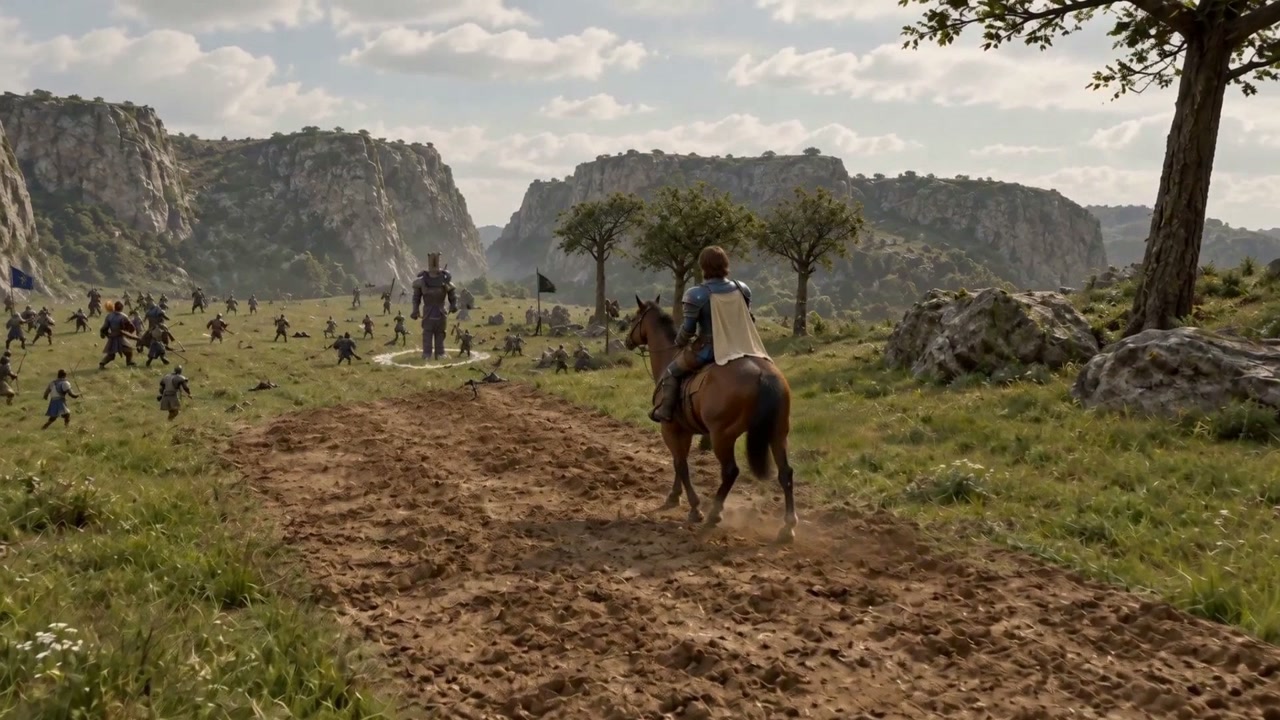 CinematicA mounted rider enters the valley battle.0:10
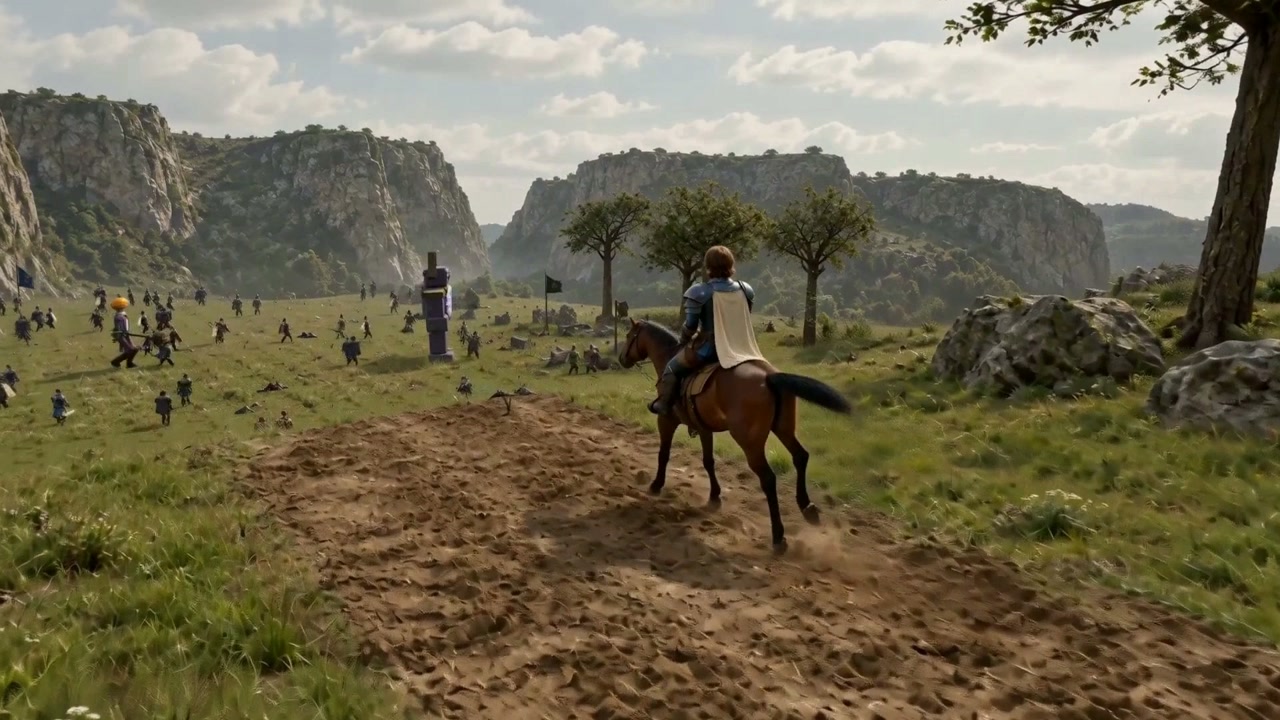 TransitionAn edited, generated transition from the realistic scene back toward the game’s low-poly style.0:10
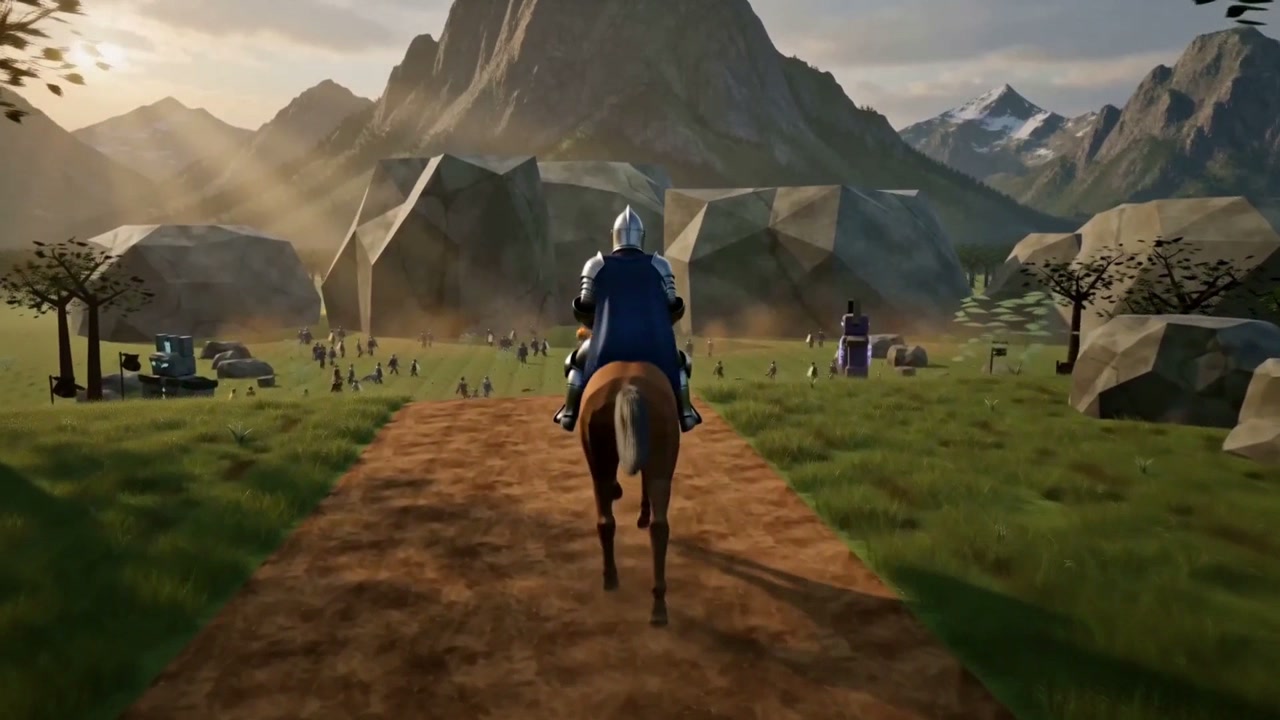 First passAn earlier generated cinematic that keeps more of the stylized terrain.0:10
Generated video experiments based on World of Starcraft by Draxus Games. Shown as video clips, not the playable game.
In-game tools
Ask for a map editor. Get one inside your game.
Ask Star for a map editor or a balance panel and it builds one into your game. Edit while the game runs, then save your changes back to its files.
- Map editors
- Paint tiles, place pickups, move the goal, then save the layout to your game.
- Balance panels
- Dial in health, damage and spawn rates from a panel inside the game, and keep the values you like.
- Tune
- Adjust settings without another prompt. In games that support Tune, change settings such as gravity, speed and spawn rates.
Built for your game, for you as its creator. Save changes back to your game’s files.
- From an idea
- Ask through Claude Code, Codex or Cursor. Star’s agent builds the game after you approve the request. Normal credits apply.
- From your project
- Bring a browser game you’ve already built. Host it on Star, get a link your friends can play, and keep updating it from your coding agent.
More in this update
More ways to build and play.
Clip the best moments, keep player progress, start building for free, and find out where players get stuck.
Gameplay clips
Clip the moment you just played.
Star keeps the last stretch of play as you go. Press Clip and it turns up to the last 30 seconds of play into a video you can watch back and save.
- Play
Play as usual. There’s nothing to start recording and no screen-sharing prompt.
- Clip
Press Clip, or use Alt / Option + Shift + C or F8.
- Save
Preview the clip, then save it. Share or download the video, depending on your browser.
Gameplay clips are rolling out. Sign in and use a supported browser; availability can vary by game.
Cloud saves
Pick up where you left off.
Signed-in players keep their progress across devices in games that support saves.
Free building
Build for free with Haiku 5.5.
Start a game with the free plan’s one-time credit grant.
Player insights · Also worth trying
Find out where players get stuck.
- Choose what to track
/instrument track deaths and upgradesAsk Star to add tracking to your game, then publish when you’re ready to collect those moments from players.
- Ask about your players
/players which enemies are killing people?Star reads your game’s recorded activity and helps you decide what to investigate next.
These commands use your selected model and normal credits. Gameplay detail comes from the moments your game records.
Also improved
Smaller improvements across Star.
- Reuse work from another game. Name the game and the part you want, and Star looks there.
- Preview earlier checkpoints. With Autopilot on Pro or Studio, open saved checkpoint previews to see the game at that point in the build.
- Find and hear your assets. See more of your assets at once, and play sounds right where they’re listed.
- Recent build notifications survive a refresh. Reopen them from the build menu for up to a day in the same browser.
- Give your games a home. Customize your creator page and bring your published games together in one place.
Star Halloween Jam
Make something worth playing on Halloween.
Creepy, cozy, funny or strange. Put the new tools to work and enter by October 31, 11:59 p.m. Pacific.
Enter the Halloween Jam